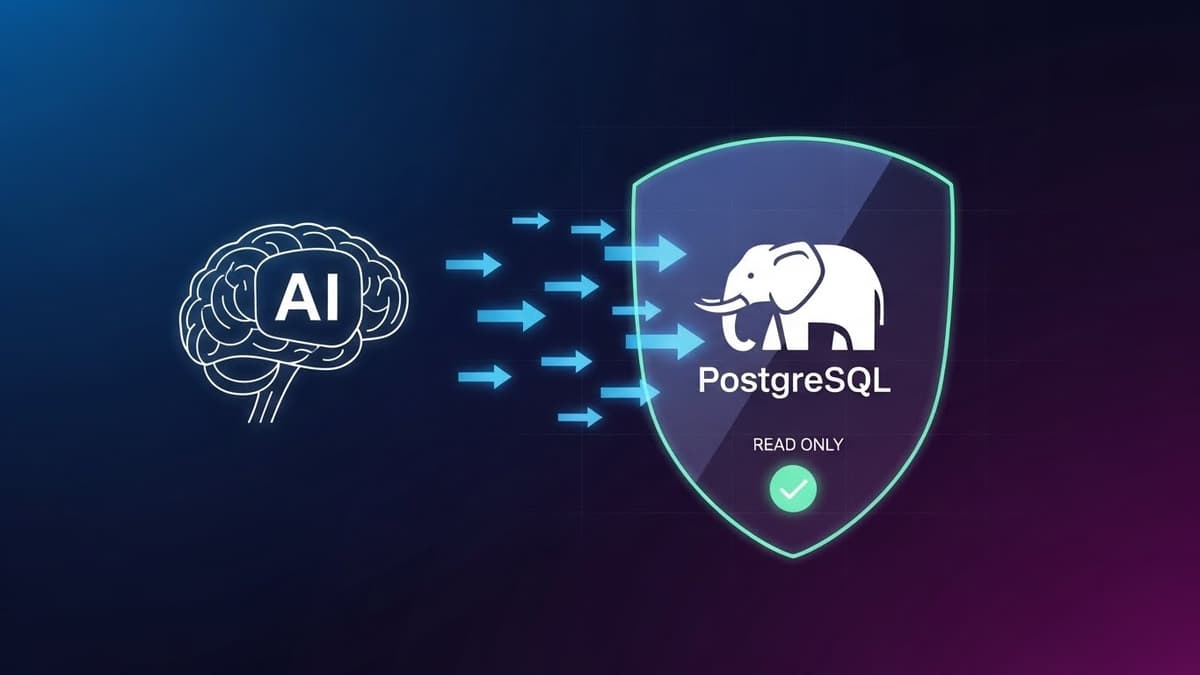
Introducing DB Analyzer MCP: Safe Database Analysis for AI Assistants
If you've ever wanted to let your AI assistant analyze your PostgreSQL database without worrying about accidental data modifications, you know the struggle. Giving AI access to databases is powerful but risky. One wrong query could mean lost data. This is exactly why I built DB Analyzer MCP.
The Problem with AI Database Access
Modern AI assistants like Claude are incredibly capable at understanding data patterns, suggesting optimizations, and helping debug complex queries. But there's always been a fundamental tension: how do you give AI meaningful database access without risking your data?
Most solutions either give too much access (dangerous) or too little (useless). You end up copying query results back and forth, losing context, and wasting time.
A Safe Solution: Meet DB Analyzer MCP
DB Analyzer MCP is a Model Context Protocol server that provides read-only database analysis for AI assistants. It's designed with security as the top priority while still being genuinely useful.
Key Features:
- 30 Database Tools - From schema introspection to performance analysis
- Read-Only by Design - Only SELECT, EXPLAIN, SHOW, and WITH queries allowed
- Multi-Layer Security - SQL validation, identifier sanitization, query limits
- Zero Risk - INSERT, UPDATE, DELETE, DROP are blocked at multiple levels
- Project-Local Config - Each project gets its own
.db-mcp/folder
What Can It Do?
Schema Exploration
db_tables → List all tables with row counts and sizes
db_describe → Complete table info: columns, indexes, FKs
db_erd → Generate ERD diagrams in Mermaid format
db_grep → Search schema for keywords instantly
Query & Analytics
db_query → Execute read-only SELECT queries
db_explain → Run EXPLAIN ANALYZE for optimization
db_analyze → Column analysis: NULLs, distinct values, min/max
db_stats → Database statistics overview
Performance Monitoring
db_health → Health check: connections, cache ratio, disk usage
db_slow_queries → Find slow queries via pg_stat_statements
db_suggest_indexes → Get index recommendations
db_bloat → Detect table/index bloat
Data Export
db_export → Export to JSON or CSV
db_export_batch → Stream large datasets directly to file
db_report → Generate comprehensive markdown reports
Quick Start
- Clone and install:
git clone https://github.com/ariburaco/db-analyzer-mcp.git
cd db-analyzer-mcp
bun install
- Add to Claude Desktop config:
{
"mcpServers": {
"db-analyzer": {
"command": "bun",
"args": ["run", "/path/to/db-analyzer-mcp/src/index.ts"]
}
}
}
- Initialize in your project:
Use db_init with projectPath="/your/project"
Use db_pull to introspect the database
That's it. Now Claude can safely analyze your database.
Security Deep Dive
I built multiple layers of protection:
- Statement Whitelist - Only
SELECT,EXPLAIN,SHOW,WITHpass - Keyword Blocklist - Explicit blocking of dangerous keywords
- SQL Injection Prevention - All identifiers validated
- Row Limits - Configurable max rows (default: 10,000)
- Query Timeout - No runaway queries
- Pattern Detection - Blocks file operations, backend termination
Even if someone tries to be clever with SQL injection or obfuscated queries, the multi-layer approach catches it.
Why I Built This
As developers, we're increasingly relying on AI assistants for database work - understanding schemas, optimizing queries, debugging data issues. But the tooling hasn't caught up. We needed something that's:
- Actually safe - Not just "be careful" safe
- Actually useful - 30 tools, not just basic SELECT
- Easy to set up - Works with Claude Desktop, VS Code, Cursor
DB Analyzer MCP fills that gap.
Links
- GitHub: https://github.com/ariburaco/db-analyzer-mcp
- License: MIT
If you find this useful, give it a star on GitHub. PRs and feedback welcome!